How to Use Online RSVPs for Your Memorial Day Cookout This Year
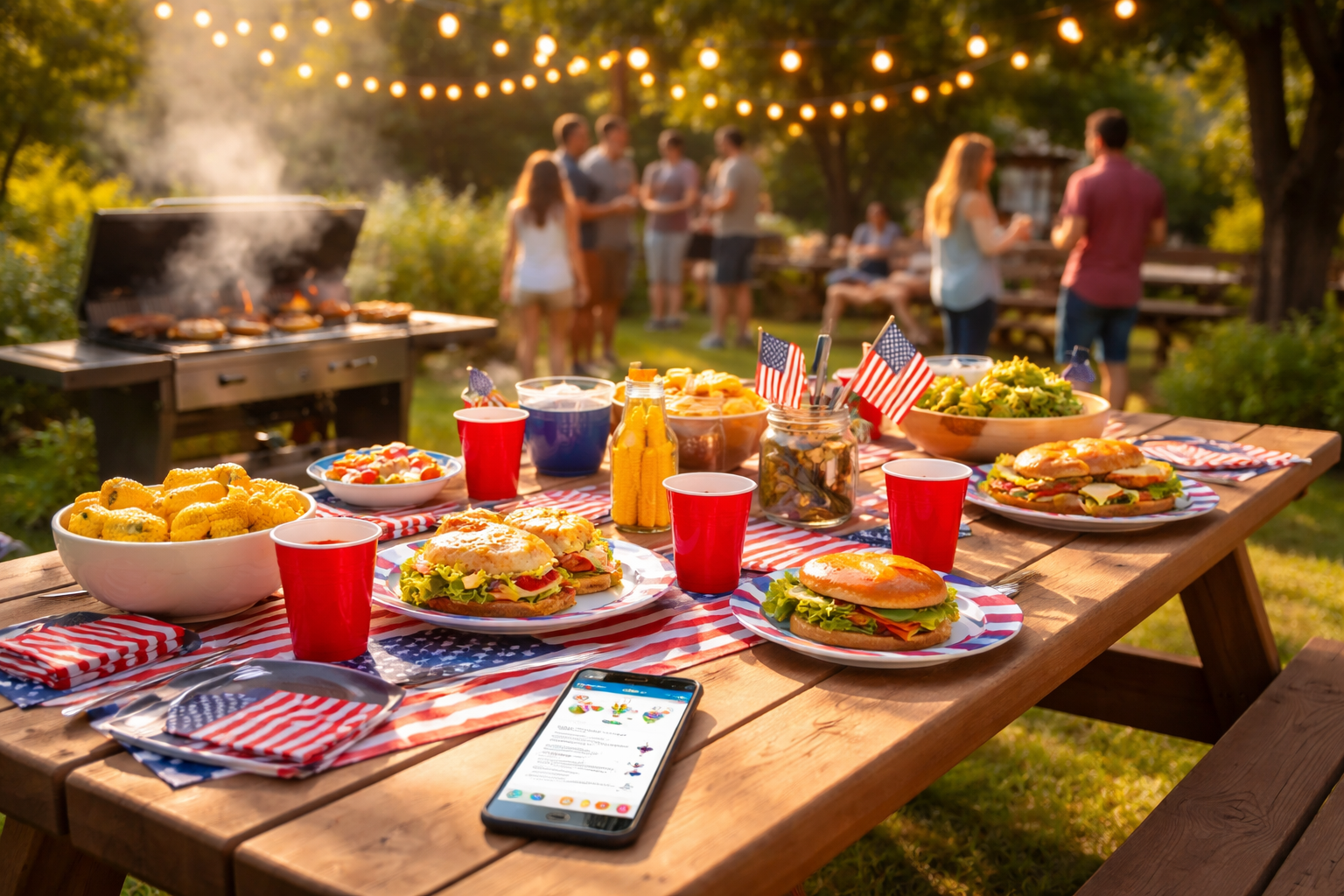
The Headcount Nightmare That Ruins Every Memorial Day
It's the Friday before Memorial Day weekend. You're standing in the grocery store, cart half-full, staring at the meat section — and you have absolutely no idea how many people are actually coming to your cookout tomorrow. You texted 30 people. Twelve responded. Three said 'maybe.' One person said 'I'll try to make it,' which in adult-speak means 'probably not.' You buy enough burgers for 25, hope for the best, and end up either feeding your neighbors' dogs with leftovers or running out of food by 3 PM while your cousin's family stares at an empty grill.
Sound familiar? This is the Memorial Day cookout headcount problem — and it's been quietly stressing out hosts for years. But here's the good news: online RSVPs have completely changed the game, and if you're not using them yet, this is the year to start.
Why Text-and-Hope Doesn't Work Anymore
Group texts are chaotic. Replies get buried. People forget to respond. Someone says yes, then brings three extra people. Someone else says yes for their whole family but you only counted them as one person. By the time the holiday weekend arrives, you're operating on guesswork — and that's a recipe for either wasted money or an awkward, under-supplied party.
Online RSVP platforms solve this by giving you a single, organized hub where every guest confirms their attendance, specifies how many people they're bringing, and sometimes even answers custom questions like dietary restrictions or what dish they're contributing to the potluck. No more hunting through a chaotic group chat. No more spreadsheets. Just a clean, real-time guest list.
Step-by-Step: Setting Up Your Memorial Day Cookout RSVP
Step 1: Create Your Event Page Early
Don't wait until the week before. Set up your online RSVP page at least two to three weeks before Memorial Day. This gives guests enough time to check their schedules, coordinate with their own families, and actually commit. A platform like RSVPlinks lets you build a simple, attractive event page in under ten minutes — no design skills required. Add your event name, date, location, start time, and a short description that sets the vibe: 'Backyard BBQ, cold drinks, good music, bring your lawn chairs.'
Step 2: Ask the Right Questions
This is where online RSVPs pull way ahead of a simple text. When you build your RSVP form, include questions that actually help you plan. For example:
- How many guests are in your party? — This is the big one. Instead of counting individual responses, you get an automatic headcount that includes plus-ones and kids.
- Any dietary restrictions? — Your vegetarian friends will love you for asking. Now you know to grab some veggie burgers and corn on the cob.
- Are you bringing a dish or drink to share? — If you're running a potluck-style cookout, this prevents the classic scenario where everyone shows up with potato salad and nobody brings dessert.
- Will you need parking? — Useful if you live in a neighborhood with limited street parking.
These small details transform your cookout from chaotic to coordinated. Imagine knowing two weeks out that you'll have 34 guests, four of whom are vegetarian, and that six people are already bringing sides — so you only need to cover the main proteins and drinks. That's the power of a well-designed RSVP form.
Step 3: Share the Link Everywhere
One of the biggest advantages of online RSVPs is how easy they are to share. Copy your unique RSVP link and drop it into your group chat, your Instagram story, your Facebook event, a text to your family group — wherever your guests live digitally. You can even share it as a QR code if you want to get fancy and post it somewhere physical.
Pro tip: When you share the link, give a soft deadline. Something like: 'Please RSVP by May 20th so I can plan the food!' This creates gentle urgency without being pushy, and it gives you a clear cutoff date so you can finalize your grocery run.
Step 4: Monitor Your Guest List in Real Time
As RSVPs come in, you'll see your guest list populate automatically. No more counting text messages or updating a spreadsheet manually. You can check your dashboard at any time and see exactly who's coming, how many people total, and any notes they've left. If you notice that your RSVP count is low two weeks out, you can send a friendly reminder to guests who haven't responded yet — most platforms let you do this with one click.
Consider this scenario: It's May 15th, and you've sent your RSVP link to 40 people. So far, 22 have confirmed for a total of 31 guests. You send a quick reminder to the 18 who haven't responded. Within 48 hours, you have 35 confirmed guests and a clear picture of what you need to buy. No stress. No guessing.
Step 5: Use Your Data to Shop Smart
Now comes the satisfying part. With a confirmed headcount, you can actually plan your food and supplies like a rational human being. A general rule of thumb for a backyard cookout: budget for 2 burgers or hot dogs per adult, 1 per child, plus sides. If you know you have 35 guests including 8 kids, you're shopping for roughly 60–65 main items — not 100, not 30.
Your dietary restriction data tells you exactly how many veggie options to prepare. Your potluck contributions list tells you what's already covered. You walk into that grocery store with a list, a budget, and confidence. That's a completely different Memorial Day experience.
Common Mistakes to Avoid
Sending the Link Too Late
Memorial Day weekend is a major travel weekend. People make plans early. If you send your RSVP link on Thursday before the holiday, don't be surprised if half your guest list already has other commitments. Send it at least two to three weeks out, and follow up one week before your RSVP deadline.
Not Accounting for Plus-Ones and Kids
Always include a 'party size' question in your RSVP form. A single 'yes' response from your college friend could mean just him — or him, his girlfriend, and their toddler. Online RSVP tools like RSVPlinks make it easy to capture this information upfront so you're never caught off guard.
Forgetting a Deadline
An open-ended RSVP with no deadline is an invitation for procrastination. Set a clear cutoff date — typically 5 to 7 days before your event — and communicate it clearly when you share the link. This gives you time to finalize your shopping list without last-minute scrambling.
Ignoring the 'Maybe' Responses
If your RSVP tool allows a 'maybe' option, treat maybes as soft yeses for food planning purposes. Budget for 50–75% of your maybes showing up. It's better to have a little extra than to run out of food when a group of 'maybes' all decide to show up at the same time.
Making It Feel Personal, Not Corporate
One concern some hosts have about online RSVPs is that they feel impersonal — like you're sending a corporate calendar invite instead of a warm invitation to a backyard party. The fix is simple: put personality into your event page. Write your description in your own voice. Add a fun detail about what you're grilling. Mention the playlist you're curating or the lawn games you're setting up. A well-written event page actually builds excitement before the party even happens, and guests are more likely to RSVP when they feel genuinely invited rather than administratively processed.
Your Memorial Day Cookout Action Plan
Here's what to do today — not 'eventually,' but right now — to make this your most organized Memorial Day cookout ever:
- Action 1: Set up your online RSVP page today. It takes less than 10 minutes. Include your event details, a party-size question, a dietary restriction question, and a potluck contribution question if applicable.
- Action 2: Share your RSVP link across every channel your guests use — group text, Instagram, Facebook, email — and include a clear RSVP deadline of at least 5 days before the cookout.
- Action 3: Set a calendar reminder for one week before your RSVP deadline to send a friendly follow-up to anyone who hasn't responded yet.
Memorial Day is about honoring, connecting, and celebrating with the people you care about. The last thing you want is to spend the whole weekend stressed about logistics. Use the tools available to you, get your headcount locked in early, and show up to your own party ready to actually enjoy it.