How to Host a Memorial Day Backyard BBQ and Manage RSVPs Like a Pro
The Chaos Nobody Warns You About
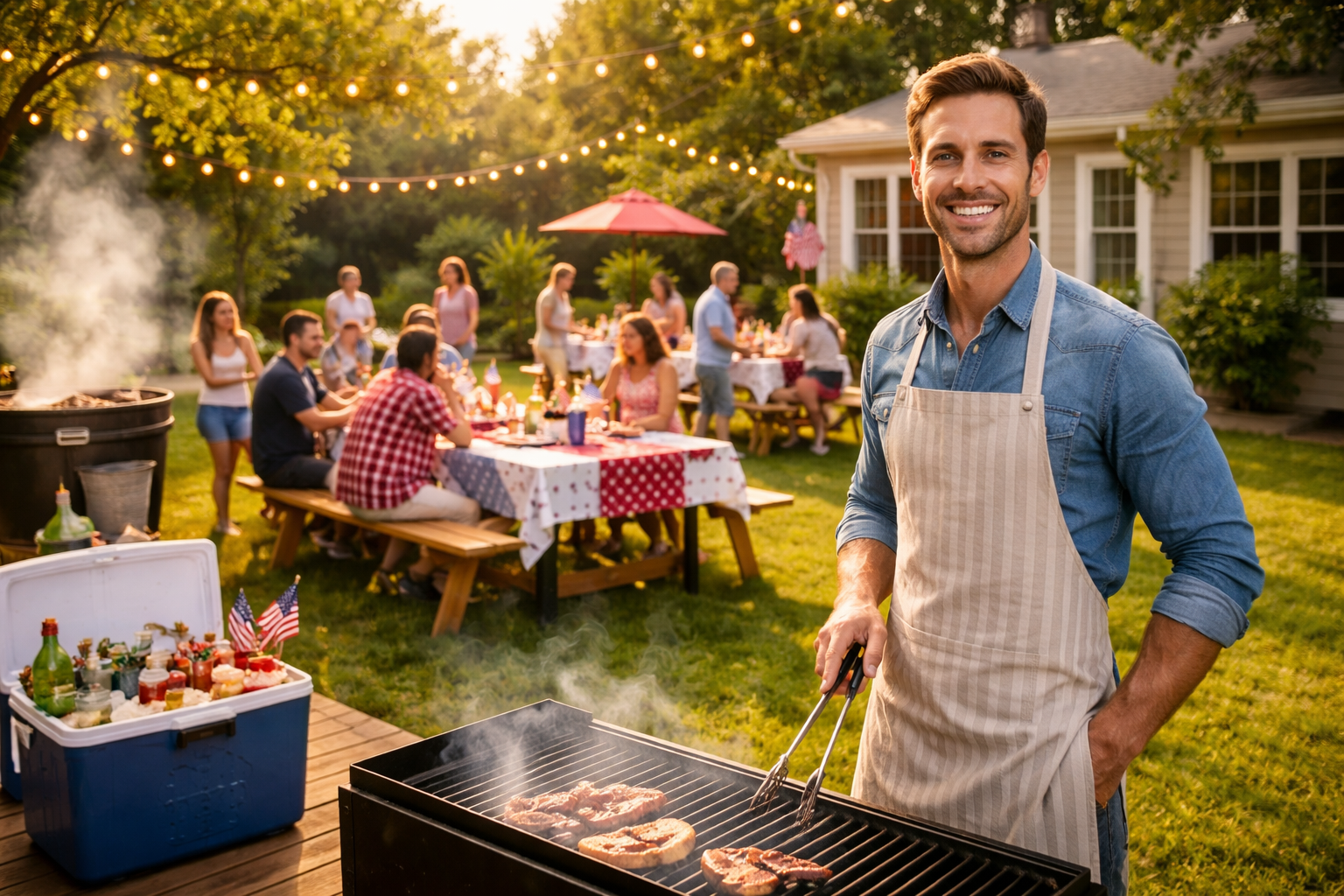
It's the Friday before Memorial Day weekend. You've got burgers defrosting in the fridge, a cooler full of drinks, and a backyard strung with lights. You sent out a casual text to 40 people three weeks ago — 'Hey, come over Monday for a BBQ!' — and got a mix of 'sounds fun!', heart emojis, and radio silence.
Now, standing in your kitchen, you're asking yourself: How many people are actually coming? Do you need two packs of hot dogs or six? Is your neighbor's family of five showing up, or just her? Did your college friend who said 'maybe' ever decide?
This is the Memorial Day BBQ headcount spiral — and it happens to nearly every host who wings the RSVP process. The good news? A few smart moves before the holiday weekend can transform your cookout from a stressful guessing game into the relaxed, legendary backyard party you actually imagined.
Why RSVPs Matter More Than You Think
Memorial Day BBQs feel casual by nature, which is exactly why hosts skip formal RSVPs. But the stakes are higher than people realize. Underestimate your headcount and you're making emergency grocery runs on a holiday weekend when every store is packed. Overestimate and you've spent $200 extra on food that won't get eaten.
Beyond food, there's seating, parking, ice, drinks, and — if you have a pool — safety supervision. Knowing your real headcount isn't just convenient. It's the difference between a host who's relaxed and present versus one who's stressed and scrambling all day.
Step 1: Set a Real RSVP Deadline — Not a Soft Suggestion
The biggest mistake hosts make is saying 'let me know if you're coming' with no deadline attached. People procrastinate, forget, or assume their attendance is implied. Set a firm RSVP deadline of at least 5–7 days before the event — for Memorial Day, that means by Tuesday or Wednesday of the prior week.
Be specific in your invitation: 'Please RSVP by Wednesday, May 21st so I can plan food and seating.' When there's a reason attached to the deadline, people take it more seriously. It's not arbitrary — it's practical, and guests respect that.
Step 2: Use a Digital Invitation That Tracks Responses Automatically
Chasing RSVPs through group texts, DMs, and verbal confirmations is a recipe for confusion. Instead, send a single digital invitation with a built-in RSVP tracker. Platforms like RSVPlinks let you create a custom event page, share one link across text, email, or social media, and watch responses come in — all in one place, in real time.
Imagine this: You create your Memorial Day BBQ event page on Monday, share the link in your family group chat and your neighborhood WhatsApp group, and by Friday you already have 28 confirmed guests, 4 declines, and 6 maybes — all visible on a single dashboard. No spreadsheet. No detective work. You know exactly what you're working with.
This also makes follow-up easy. Instead of texting 40 people individually, you can see at a glance who hasn't responded and send a quick nudge only to them.
Step 3: Ask the Right Questions in Your RSVP Form
A headcount alone isn't enough. Your RSVP form should capture the details that actually affect your planning. Consider asking:
- How many people are in your party? (So 'yes' from one person doesn't mean one person if they're bringing their family)
- Any dietary restrictions or allergies? (Knowing one guest is vegetarian saves you from an awkward moment at the grill)
- Will you be bringing a dish or drink to share? (If you're doing potluck-style, coordinate this upfront)
- Are you bringing kids? (Affects seating, activities, and safety planning)
These aren't intrusive questions — they're thoughtful ones. Guests appreciate a host who plans carefully, and you'll thank yourself when you're not caught off guard at the grill.
Step 4: Plan Your Food and Supplies Around Confirmed Numbers
Once your RSVP deadline passes, it's time to shop smart. Use this simple framework:
- Protein: Plan for 2 servings per adult, 1 per child. If you have 30 adults confirmed, that's 60 burger patties or equivalent — not 30.
- Sides: One large side dish (potato salad, coleslaw, corn) per 8–10 guests is a solid baseline.
- Drinks: Budget 3–4 drinks per person over a 4-hour party. For 30 guests, that's roughly 100–120 drinks — including water, soda, and beer.
- Ice: A pound of ice per person is the standard rule for keeping drinks cold all day.
- Seating: Every confirmed guest needs a seat. Don't assume people will stand — they won't, and they'll leave early if they're uncomfortable.
Here's a real example: Sarah hosted a Memorial Day BBQ for what she thought would be 'around 25 people.' Without a proper RSVP system, she bought food for 25. Forty-one people showed up. She spent the last two hours of her own party driving to a gas station for more ice and calling in a pizza order. With a proper headcount, she would have known to plan for 38 (accounting for a few walk-ins) and shopped accordingly.
Step 5: Send a Day-Before Reminder With Logistics
Even confirmed guests forget details. The day before your event, send a quick reminder that includes:
- Start time and approximate end time
- Your address (yes, even to people who've been before — it's just helpful)
- Parking instructions if space is limited
- What to bring, if anything (sunscreen, lawn chairs, a dish)
- A note about weather contingency if applicable
This reminder also serves a secondary purpose: it gives late declines a chance to bow out gracefully. Better to know the morning before than to have food go to waste.
Step 6: Have a Walk-In Buffer Plan
No matter how organized you are, Memorial Day BBQs attract walk-ins — guests who bring a plus-one unannounced, neighbors who smell the grill and wander over, or the friend who 'wasn't sure' but showed up anyway. Plan for a 10–15% buffer above your confirmed headcount for food and drinks. It's a small insurance policy that keeps you from running out.
For seating, keep a few folding chairs and a card table stored nearby. For food, having a bag of frozen burgers or a backup pack of hot dogs in the freezer costs almost nothing but saves a lot of stress.
The Day-Of: Be a Guest at Your Own Party
All this planning has one goal: so that on Memorial Day itself, you can actually enjoy the day. Light the grill without anxiety. Talk to your guests. Watch the kids run through the sprinkler. You've done the work. The headcount is confirmed, the food is prepped, the logistics are set.
The best Memorial Day BBQ hosts aren't the ones who hustle hardest on the day — they're the ones who planned smartest in the weeks before.
3 Things You Can Do Right Now
- Create your event page today. Head to RSVPlinks, set up your Memorial Day BBQ event in under 5 minutes, and get your shareable link ready to send this week.
- Set your RSVP deadline and communicate it clearly. Pick a date at least 5 days before your party and include a reason — 'so I can plan food for everyone.'
- Build your shopping list around confirmed numbers, not guesses. Once your deadline passes, use the headcount you actually have — not the optimistic estimate in your head.
Memorial Day is meant to be a day of relaxed celebration with the people you care about. Don't let a chaotic RSVP process steal that from you. Plan smart, track your guests properly, and show up to your own party ready to enjoy it.