How to Send Digital Invitations for Your Easter Brunch Gathering (Without the Chaos)
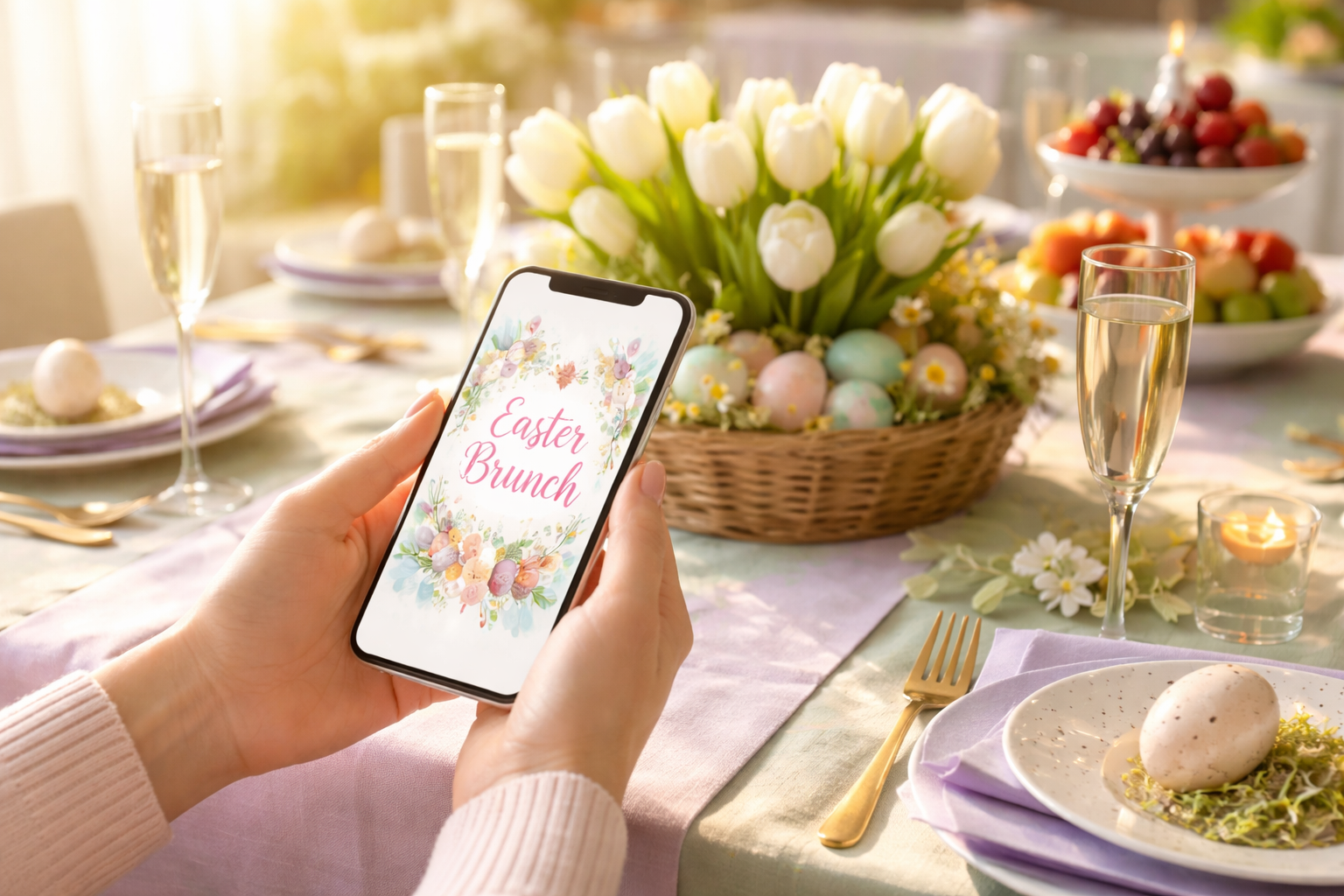
The Sunday Morning Scramble You Don't Want
It's two weeks before Easter and you've already committed to hosting brunch. The menu is planned, the egg hunt is mapped out, and you've mentally reserved the good tablecloth. Then it hits you: you have no idea who's actually coming.
You texted your sister. She said "probably yes." You mentioned it to your neighbors at the mailbox. They seemed enthusiastic. You posted something vague on Facebook. Your mom called to ask what time. And now you're standing in the grocery store trying to decide whether to buy quiche ingredients for eight people or twenty-three.
This is the Easter hosting trap — the one where good intentions and casual invites collide into a logistical nightmare the morning you're supposed to be relaxed and festive. The problem isn't your enthusiasm. It's the invitation method. And the fix is simpler than you think.
Why Casual Invites Fail Easter Brunch Every Time
Easter brunch is deceptively complex. Unlike a casual backyard cookout where one extra guest just means one extra burger, brunch requires precise headcounts. Quiches, frittatas, mimosa supplies, place settings, seating arrangements, and egg hunt prizes — all of it scales with your guest list. A "maybe" is functionally useless when you're trying to plan a sit-down meal.
Casual invites — texts, verbal mentions, Facebook posts — create three specific problems:
- Ambiguous responses: "We'll try to make it!" is not a headcount.
- Lost information: Nobody remembers the time, address, or parking instructions from a text thread three weeks ago.
- Zero accountability: When there's no formal RSVP, guests feel no obligation to commit — or to let you know they can't come.
Digital invitations solve all three problems at once. Here's exactly how to do it right.
Step 1: Choose a Digital Invitation Platform Built for RSVPs
Not all digital invites are created equal. A pretty Canva graphic sent via text is still just a text — it gives you no RSVP data, no headcount, and no way to follow up. You need a platform that handles the full invitation workflow: design, delivery, RSVP tracking, and guest communication.
RSVPlinks is designed exactly for this. You can build a branded Easter brunch invitation with a dedicated RSVP link that guests click to confirm attendance, select meal preferences, or indicate how many people they're bringing. Every response is logged in real time, so you always know your exact headcount — no chasing, no guessing.
What to look for in a platform:
- Customizable invitation templates with Easter or spring themes
- A clean, mobile-friendly RSVP form guests can fill out in under 60 seconds
- Real-time response tracking in a host dashboard
- Automated reminder emails or messages for non-responders
- The ability to collect dietary restrictions or meal preferences
Step 2: Build Your Invitation With the Right Details
A digital invitation is only as good as the information it contains. This sounds obvious, but you'd be surprised how many hosts forget critical details that generate a flood of follow-up questions.
Your Easter brunch invitation must include:
- Date and exact start time — "Easter Sunday" is not enough. Write out the full date and specify whether brunch starts at 10:00 AM or 11:30 AM.
- End time or duration — Guests with kids or afternoon obligations need to plan. "Brunch runs until about 2 PM" sets expectations clearly.
- Full address with any parking or entry notes — "Park on the street, come around to the back gate" saves fifteen text messages on the day.
- What's provided vs. what to bring — Are you doing a full spread? Asking guests to bring a dish? Specify clearly so nobody shows up with a duplicate fruit salad.
- Kid and pet policy — If you're hosting an egg hunt, say so. If the venue isn't pet-friendly, say that too.
- RSVP deadline — Give yourself at least five days before the event to finalize headcount. "Please RSVP by April 12" is a complete sentence that works.
Real-world example: Sarah hosted Easter brunch for the first time last year. She sent a beautiful digital invite through RSVPlinks with all six details above. By her RSVP deadline, she had 18 confirmed guests, two dietary restrictions noted (one gluten-free, one vegetarian), and zero day-of confusion about parking. Compare that to her neighbor who texted a group chat and spent Easter morning fielding "wait, what time again?" messages while trying to pull a casserole out of the oven.
Step 3: Write Invitation Copy That Actually Gets Responses
The design gets attention. The copy gets RSVPs. Your invitation message should be warm, specific, and action-oriented. Here's a template you can adapt:
"You're invited to Easter Brunch at the Henderson's! Join us for a spring spread, bottomless mimosas, and an egg hunt for the kids. Sunday, April 20th · 11:00 AM – 2:00 PM · 42 Maple Lane. Please RSVP by April 15 so we can set the table just right for you. Click below to confirm — takes 30 seconds!"
Notice what this copy does: it creates atmosphere ("spring spread, bottomless mimosas"), sets clear logistics, gives a deadline with a reason ("so we can set the table just right"), and reduces friction ("takes 30 seconds"). Every one of those elements increases your response rate.
Step 4: Send Strategically — Timing and Channels Matter
Even the best invitation fails if it's sent at the wrong time or through the wrong channel.
Timing: Send your Easter brunch invitations two to three weeks in advance. Easter often falls during a busy travel window, and families need lead time to plan. Sending the week before almost guarantees you'll lose guests to prior commitments.
Channels: Send your RSVPlinks invitation link through the channels your guests actually use:
- Email for older relatives and more formal guests
- Text or WhatsApp for close friends and family who prefer messaging
- A private Facebook event or group message for extended social circles
The key advantage of a digital invitation with a dedicated link is that it works across all channels. You send one link, guests click it anywhere, and all RSVPs funnel into the same dashboard. No fragmented responses across three platforms.
Step 5: Follow Up With Non-Responders (Without Being Awkward)
Here's the part most hosts dread: chasing down RSVPs. It feels pushy. It feels needy. It isn't either of those things — it's just hosting logistics. And digital invitations make it painless.
Set a reminder to follow up with non-responders five to seven days after your initial send, and again two to three days before your RSVP deadline. Many platforms, including RSVPlinks, can automate these reminders so you don't have to do it manually.
For close family who you know will attend but haven't clicked the link yet, a quick text works: "Hey! Just need you to click the RSVP link so I have your headcount — it takes 30 seconds. 😊" Framing it as a logistics request rather than a social obligation removes the awkwardness entirely.
Step 6: Use Your RSVP Data to Plan Like a Pro
This is where digital invitations pay off in ways paper invites never could. Once your RSVPs are in, you have actionable data:
- Exact headcount → scale your recipes and grocery list precisely
- Dietary restrictions → plan one gluten-free option, one vegetarian dish
- Number of children attending → buy the right number of Easter egg hunt prizes
- Guest list for day-of communication → if something changes (weather, timing), you can message all confirmed guests at once
That last point is underrated. Life happens. If your oven breaks Easter morning and brunch is delayed by 45 minutes, you can send one message to all 18 confirmed guests instantly — no frantic individual texts while you're also trying to fix the problem.
Three Things to Do Today
You don't need to wait until the week before Easter to get this right. Here's what to do right now:
- Set your guest list today. Write down every person you want to invite — family, friends, neighbors. Having a concrete list prevents the "oh, I forgot to invite them" panic that leads to last-minute additions and headcount chaos.
- Create your digital invitation this week. Head to RSVPlinks, choose an Easter or spring theme, fill in your event details, and set your RSVP deadline. The whole process takes under 15 minutes and you'll have a professional, trackable invitation ready to send.
- Send invitations at least two weeks out. Mark a send date on your calendar right now. Two to three weeks before Easter is the sweet spot — enough lead time for guests to plan, not so early that it feels premature.
Easter brunch should be about the people around your table, the food you worked hard to prepare, and the moment your nephew finally finds the golden egg. Not about standing in a grocery store aisle doing mental math on a maybe. Send the digital invite. Get the real RSVPs. Show up to your own party ready to enjoy it.