How to Manage RSVPs for a Large Church Easter Sunday Celebration (Without Losing Your Mind)
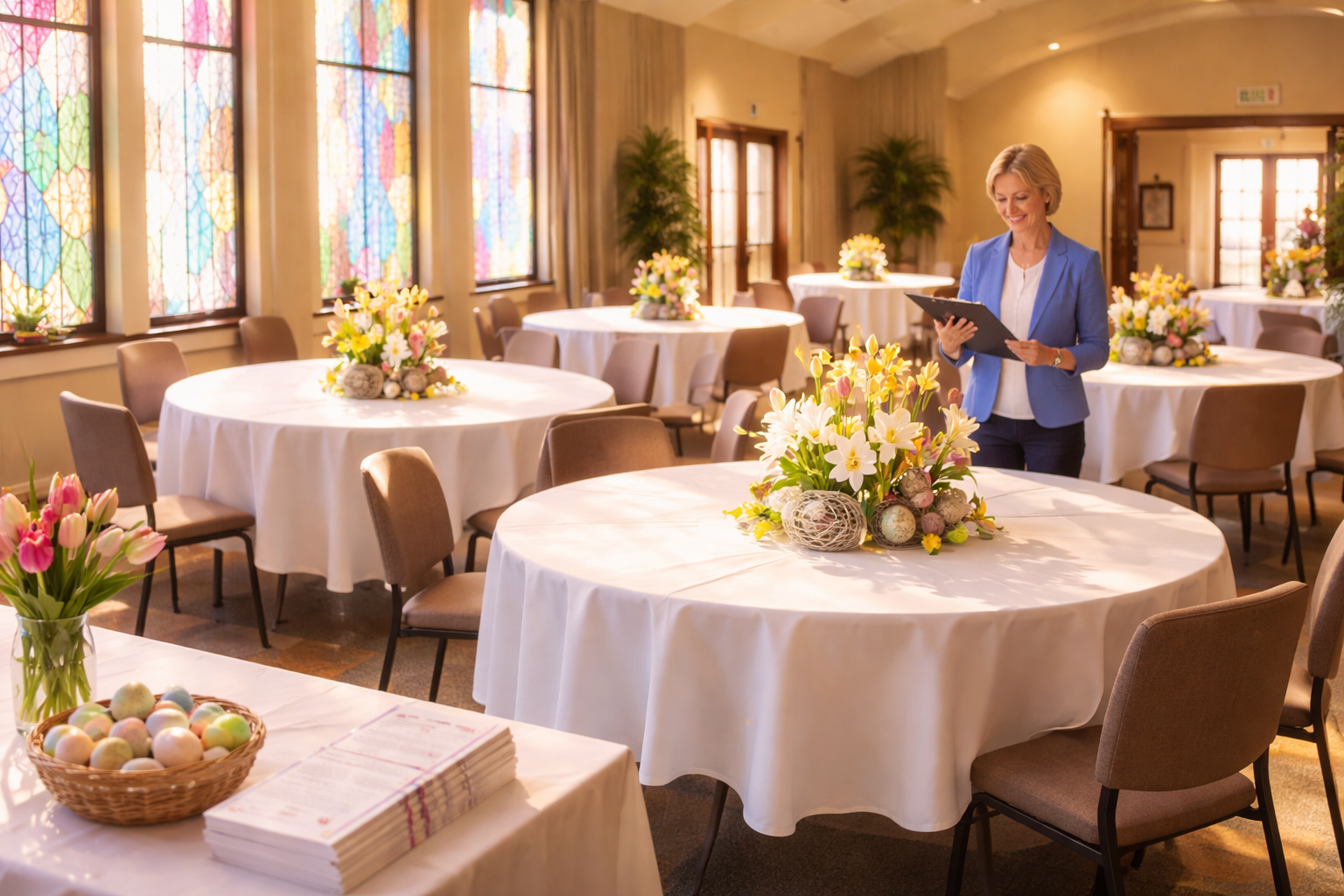
The Sunday That Almost Broke the Volunteer Coordinator
Picture this: It's the Saturday before Easter Sunday. Your church is expecting somewhere between 400 and 700 people — you genuinely don't know which end of that range is closer to reality. The caterer is calling for a final headcount on the post-service brunch. The parking team needs to know whether to open the overflow lot. The children's ministry director is texting you every 20 minutes asking how many kids to prepare craft kits for. And you're sitting at your kitchen table with a legal pad, a spreadsheet that stopped making sense three days ago, and a cold cup of coffee, trying to piece together RSVPs from emails, voicemails, Facebook comments, and sticky notes handed to you after last week's service.
If you've ever coordinated Easter Sunday for a large congregation, you already know this feeling. Easter is the single largest attendance event most churches host all year — often drawing two to three times the regular weekly attendance, including visitors, lapsed members, and extended family guests who haven't been in a pew since Christmas. It's a beautiful thing. It's also a logistical minefield.
The good news: with the right RSVP system and a clear plan, you can walk into Easter Sunday morning calm, confident, and fully prepared. Here's exactly how to do it.
Why RSVP Management Is a Spiritual and Practical Necessity
Some church leaders hesitate to formalize RSVPs for a worship service. "Church is open to everyone — we don't want people to feel like they need a ticket." That instinct is right and good. But managing RSVPs isn't about gatekeeping — it's about stewardship. When you know how many people are coming, you can:
Ensure enough seating, including overflow rooms with livestreams
Staff the right number of greeters, ushers, and parking volunteers
Order the correct amount of food and supplies for post-service events
Prepare age-appropriate children's programming and adequate childcare
Create a welcoming, unhurried experience rather than a chaotic scramble
A church that runs Easter Sunday smoothly sends a powerful message to first-time visitors: We were expecting you. We prepared for you. You matter here. That's not just good operations — that's ministry.
Step 1: Decide What You're Actually Collecting RSVPs For
Before you send a single invitation or open a signup form, get crystal clear on what you need to track. Easter Sunday at a large church often involves multiple components, each with its own headcount needs:
Service attendance — How many services? Do you need reserved seating sections for families with young children or mobility needs?
Children's ministry — Age groups matter. A 3-year-old and a 10-year-old need completely different programming and staffing ratios.
Post-service brunch or lunch — Is this ticketed? Free? Does it require a meal count for catering?
Special events — Egg hunts, baptisms, special musical performances, or community outreach events tied to Easter weekend
A church in Atlanta learned this the hard way when they collected 600 RSVPs for their Easter service but forgot to ask how many children were coming. Their children's wing was overwhelmed with 180 kids when they'd staffed for 80. The fix is simple: build your RSVP form to capture every data point you need from the start.
Step 2: Choose One Central RSVP System — and Stick to It
The single biggest mistake large churches make is letting RSVPs come in through multiple uncoordinated channels. When Deacon Williams collects names at the door, the office admin has a separate email list, and the youth pastor is running his own Google Form, you end up with duplicates, gaps, and total confusion.
Choose one platform as your single source of truth. A dedicated online RSVP tool like RSVPlinks lets you create a clean, branded event page where attendees can register, select which service they're attending, indicate how many children they're bringing, and sign up for the post-service brunch — all in one place. Every response flows into a single dashboard, giving your team real-time visibility into your headcount.
Once you've chosen your platform, communicate it clearly to your entire leadership team: All RSVPs go here. If someone tells you they're coming, direct them to the link. No exceptions.
Step 3: Launch Your RSVP Campaign Early — With Multiple Touchpoints
For Easter Sunday, "early" means at least four to six weeks out. Here's a proven timeline:
6 weeks before: Announce from the pulpit and in the bulletin that RSVPs are open. Share the link on all church social media channels.
4 weeks before: Send a dedicated email to your full congregation list with the RSVP link and a clear explanation of why you're asking people to register.
2 weeks before: Follow up with a reminder email and a short social media push. Highlight any special programming ("Kids will receive an Easter story kit!") to incentivize responses.
1 week before: Final reminder. Include your headcount deadline for catering and childcare staffing.
Palm Sunday service: Make a live announcement. Hand out printed cards with the QR code or web address for anyone who isn't digital-savvy.
Don't assume people will RSVP without prompting. Research consistently shows that most people need three to five touchpoints before they take action on an event registration. Gentle, consistent reminders are not nagging — they're good communication.
Step 4: Make It Effortless for Every Generation in Your Congregation
A large church congregation spans every demographic. Your 28-year-old young professionals will RSVP from their phones in 90 seconds. Your 74-year-old longtime members may not own a smartphone. Your RSVP system needs to work for both.
Online form: Mobile-optimized, simple, no account creation required. RSVPlinks is designed with this frictionless experience in mind.
QR code posters: Post them in the lobby, fellowship hall, and on bulletin boards. Anyone with a smartphone camera can scan and register instantly.
Phone option: Designate one church office number and one volunteer to take phone RSVPs and manually enter them into your central system.
Paper cards: Include a tear-off RSVP card in the bulletin for two Sundays before Easter. Collect them in the offering plate or at the welcome desk.
The goal is zero friction. Every barrier between a person and a completed RSVP is a person who might not register at all.
Step 5: Segment Your Data and Brief Your Teams
Raw headcount numbers are only half the story. The real value of a well-run RSVP system is the segmented data you can pull from it. Before Easter Sunday, generate reports for each ministry team:
Facilities team: Total attendance by service time, accessibility needs noted
Children's ministry: Age breakdown of registered children, any special needs flagged
Hospitality team: Brunch headcount, dietary restrictions or allergies noted
Parking and ushers: Total expected arrivals, estimated peak arrival windows
Hold a brief all-team meeting the Thursday or Friday before Easter to share these numbers and walk through the plan. When every volunteer knows their role and has accurate numbers, Easter Sunday runs like a well-rehearsed performance — because it is.
Step 6: Build In a Buffer — Because Easter Always Surprises You
Even with the best RSVP system in the world, Easter Sunday will bring walk-ins. Visitors who heard about your service from a neighbor. Family members who decided to come at the last minute. Lapsed members who felt a nudge to return. Plan for 15–25% more attendees than your RSVP count suggests.
Have folding chairs accessible. Brief your ushers on how to gracefully handle overflow. Prepare your livestream backup for any room that reaches capacity. And train your greeters to welcome walk-ins with the same warmth as pre-registered guests — because to that person walking through the door for the first time in years, this moment matters enormously.
Your Easter Sunday RSVP Checklist
✅ Defined all events and data points requiring a headcount
✅ Chosen one central RSVP platform for all registrations
✅ Created a form that captures service time, children's ages, and meal preferences
✅ Launched RSVP campaign 6 weeks out with a multi-touchpoint reminder schedule
✅ Provided registration options for all generations (online, QR, phone, paper)
✅ Segmented data reports prepared for each ministry team
✅ Built in a 20% walk-in buffer for facilities and supplies
✅ Held a pre-Easter all-team briefing with final numbers
Three Things You Can Do Today
Easter planning doesn't have to be overwhelming. Start here:
Map out every Easter event that needs a headcount — service times, children's programming, meals, special events. Write them all down in one place today.
Set up your central RSVP page — Use a platform like RSVPlinks to build a single registration page that captures all the information you need. It takes less time than you think.
Schedule your communication calendar — Block out your announcement dates right now, from the first pulpit mention to the final reminder. Put them in the church calendar so they don't get lost in the busyness of Holy Week.
Easter Sunday is one of the most powerful opportunities your church has to welcome new people into your community and celebrate with the faithful who have been there for years. When the logistics run smoothly, your team can focus on what actually matters: the message, the music, and the people. Start planning now, and Easter morning will feel less like a fire drill and more like the celebration it's meant to be.